Tesla app tips every driver should know
On our cars the Tesla app is the key: there's no desk and no keys to collect, and you unlock with your phone. Here's how to get the most out of it. (Features vary by car and software version.)
1. Set up phone key properly
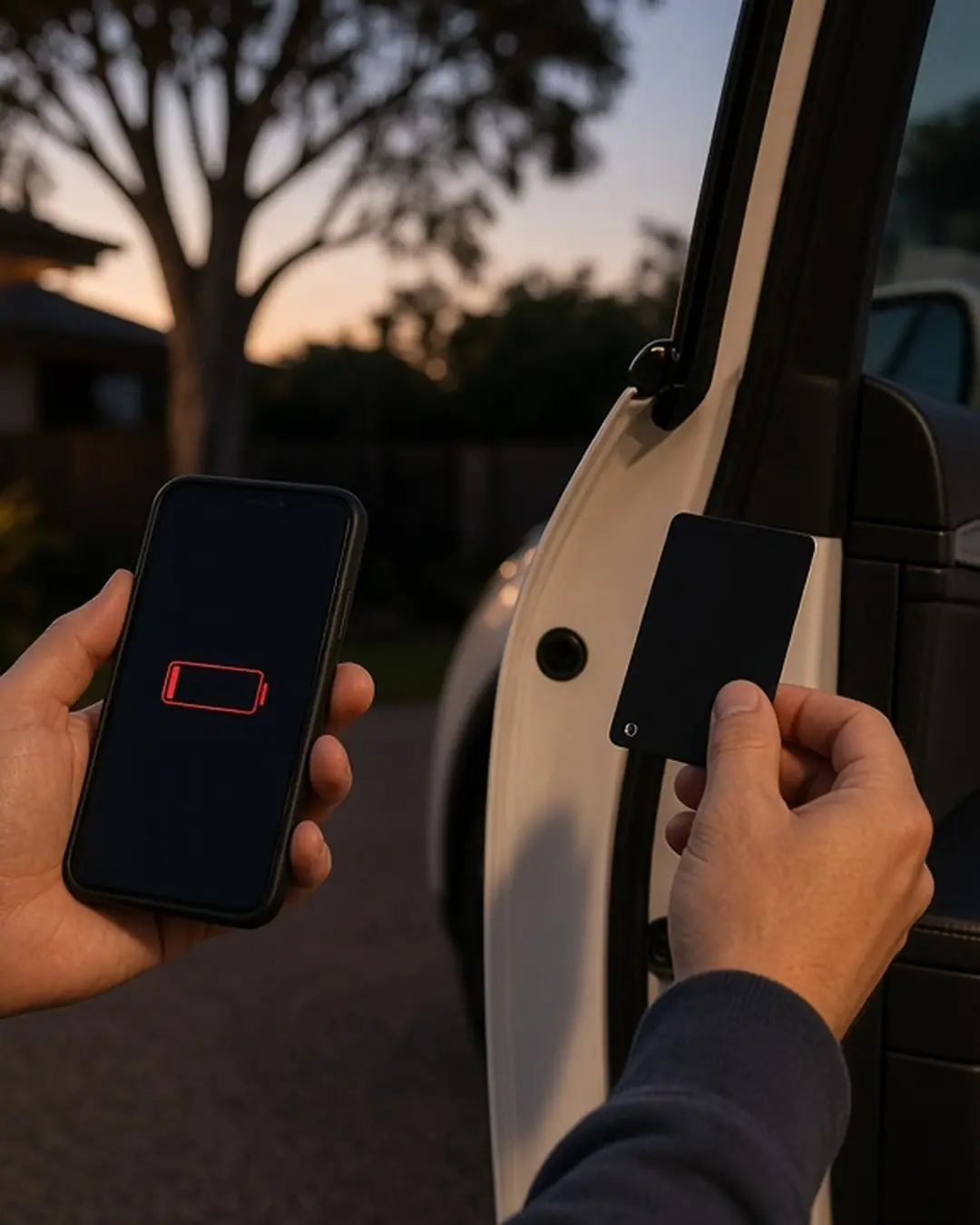
Turn on Bluetooth and allow the app to run in the background, so the car unlocks as you walk up. Tip: keep the key card in your wallet as a backup. Punchline: a flat phone is a terrible key.
2. Pre-cool the cabin
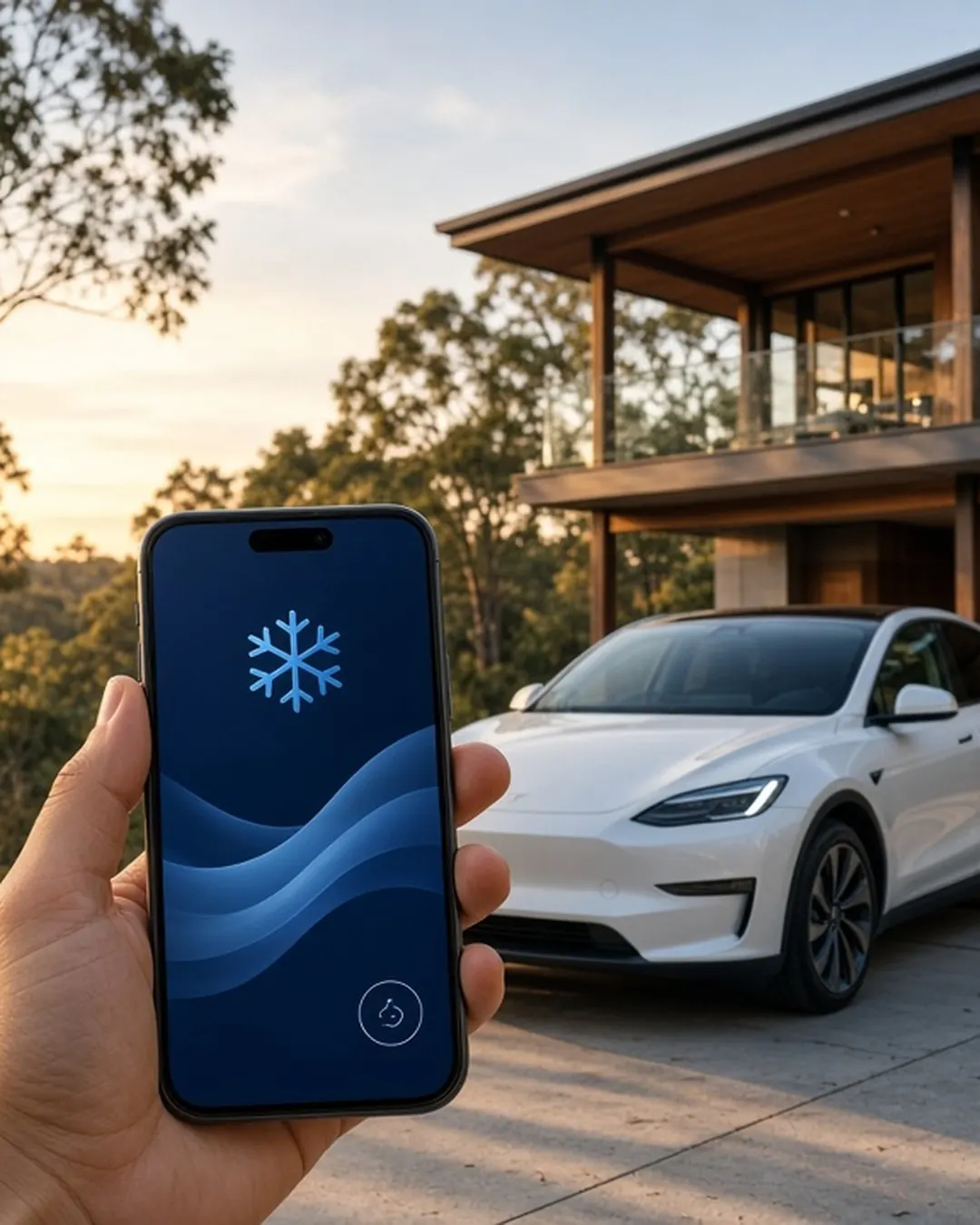
Tap Climate before you walk out. On a Brisbane summer afternoon it's the closest thing to magic. Do it while you're plugged in and the energy comes from the wall.
3. Cabin Overheat Protection
This helps keep the cabin from getting dangerously hot when the car's parked in the sun. Check it's switched on in the app or the car.
4. Schedule your charging
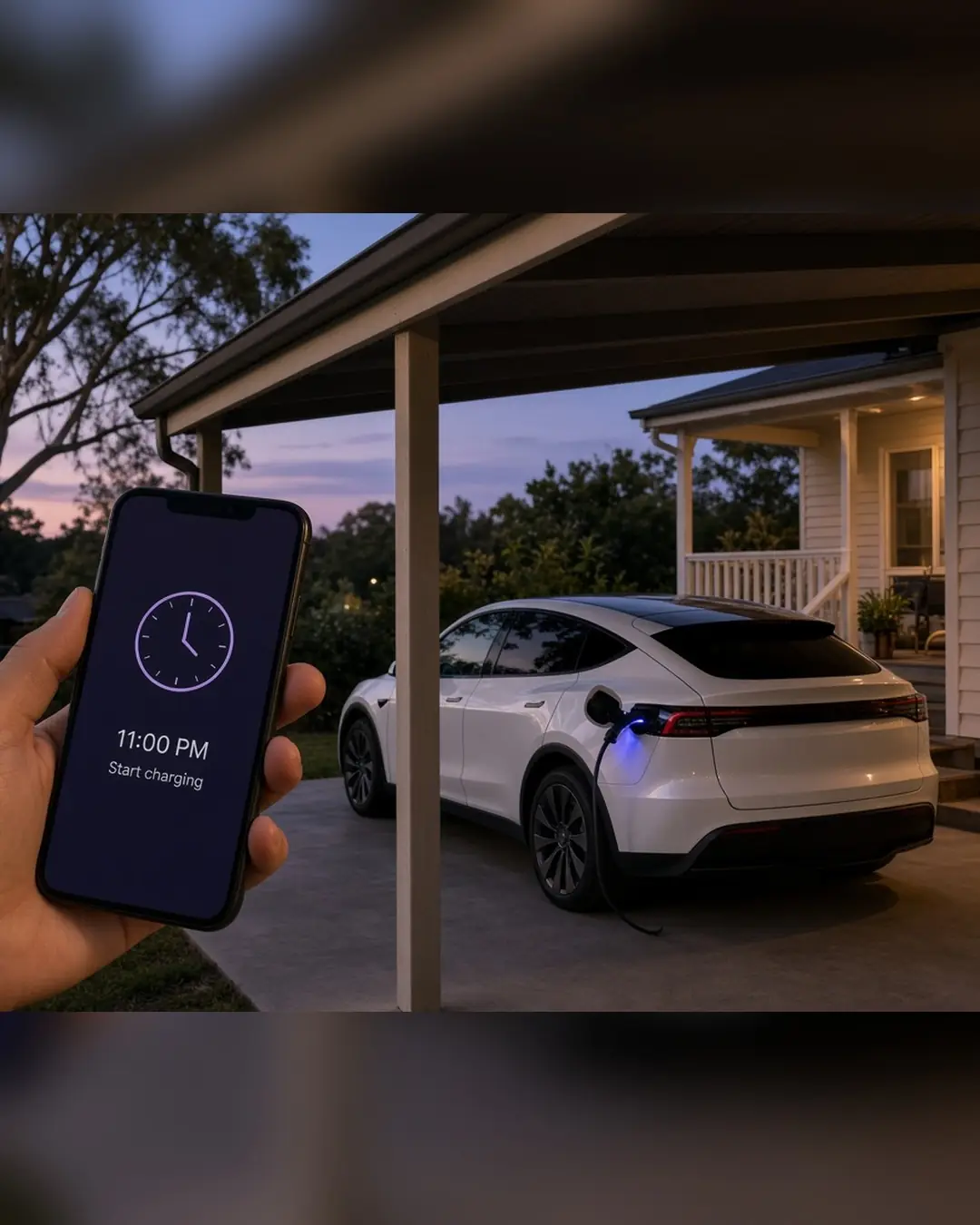
Set charging to start in your cheaper overnight window so you're not paying peak rates.
5. Find Superchargers and check prices
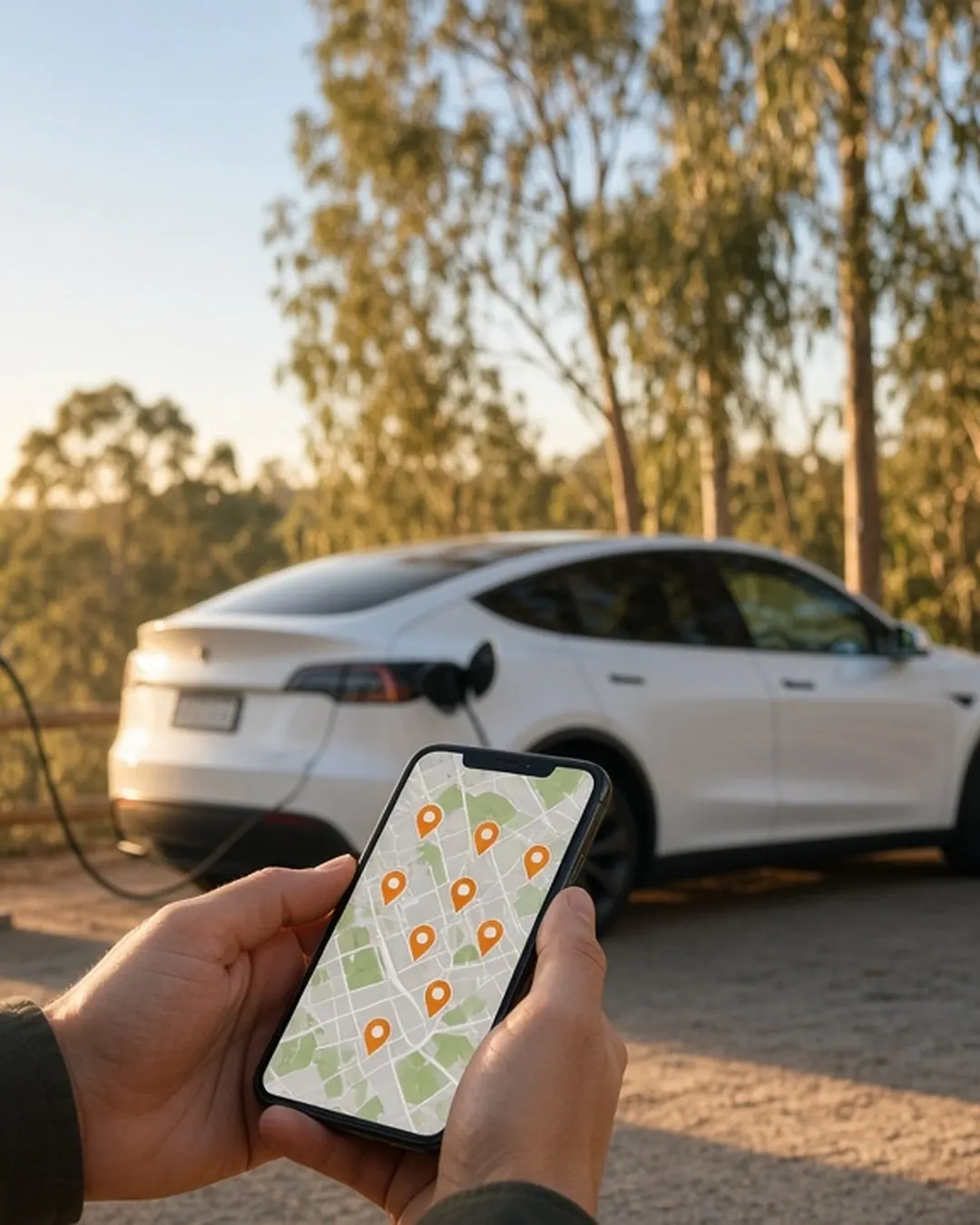
The app's charging map shows nearby Superchargers, their availability and the current price. Check before you go.
6. Set your charge limit
Use the limit the car recommends for daily driving, and only raise it for road trips. Our battery care guide explains why.
7. Sentry Mode, with care
Sentry uses the cameras to watch over the car while it's parked, but it uses energy. Turn it on where it makes sense.
8. Software updates
Updates can change how features work. Read the release notes after each one.
9. Dog Mode? Not in our cars
Dog Mode exists, but our Terms allow no animals except certified assistance animals. Sorry, Rex.
10. Lost the car in a car park?
Tap the location in the app. It happens to the best of us.
FSD (Supervised) cars
On Premium plans with the FSD (Supervised) subscription (an extra on top of your prepaid km), we'll show you the settings at handover. You stay attentive and in control at all times. More on FSD (Supervised)
Unlock a Tesla with your phone this week →
Charge Drive Australia
Daily hire on Turo · separate service
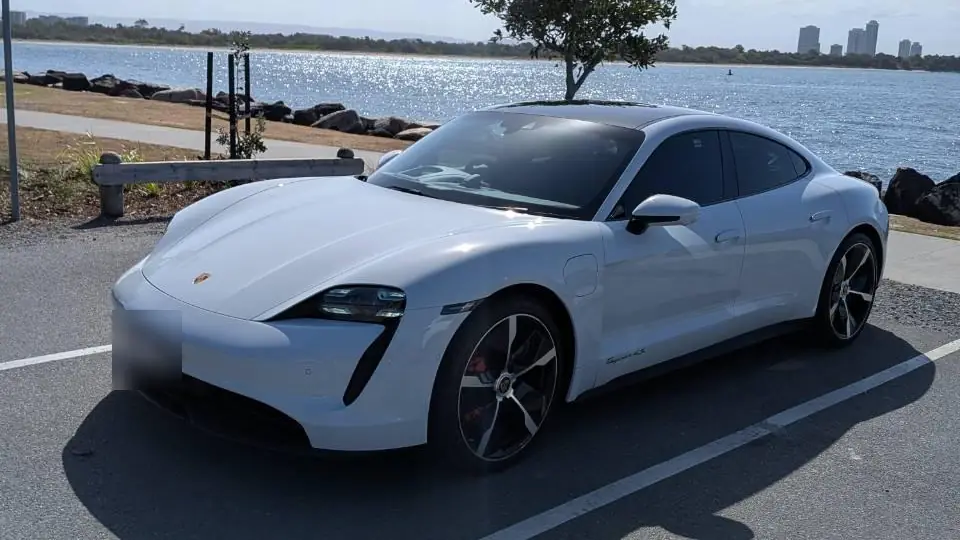
Just need it for a weekend? Try a Porsche on Turo. Our Porsche Taycan 4S and Porsche Macan 4 Electric are available for short daily hire. It's a separate daily-hire service, booked on Turo (Turo's prices, insurance and terms apply), and isn't part of our prepaid km plans.
Porsche Taycan on Turo →Porsche Macan on Turo →All our cars on Turo →
